AC Black Flag Resynced best console Graphics Mode: Performance vs Balanced vs Fidelity
The best Graphics Mode to use on every console in Assassin’s Creed: Black Flag Resynced.

Assassin’s Creed: Black Flag Resynced is now available on all platforms, but if you’re on console, you might be wondering what the best graphics mode is.
If you’re a regular gamer in the modern era, you’ll know that games come with different graphical presets for you to select from, and each console has a different selection depending on the TV you’re playing on.
In this guide, we’re breaking down what each graphical preset does in AC: Black Flag’s new remake, and which mode you should be using on each console.
All Graphics Modes explained – Black Flag Resynced

There are three available graphics modes to enjoy on three of the four main consoles, with one of those locked behind 120Hz support.
- Performance – 60fps target, standard ray tracing.
- Fidelity – 30fps target, extended ray tracing.
- Balanced – 40fps target, extended ray tracing, 120Hz exclusive.
The general idea is that a lower framerate target will give you a higher internal resolution, which will always be upscaled to 4K. The fewer frames you get, the more pixels. However, ray tracing coverage is also extended in some modes, and you might want to factor this into your graphics mode choice.
Best PS5 graphics mode – Black Flag Resynced
The best Black Flag Resynced graphics mode depends on your monitor. If you have a 120Hz-capable display and want to enjoy the extended ray tracing, then the 40fps Balanced mode might be your best bet.
If your display does not support 120Hz, then we recommend using the 60fps Performance mode. The only exception would be if you have a particularly large 4K TV and want as many pixels as possible.
Best PS5 Pro graphics mode – Black Flag Resynced
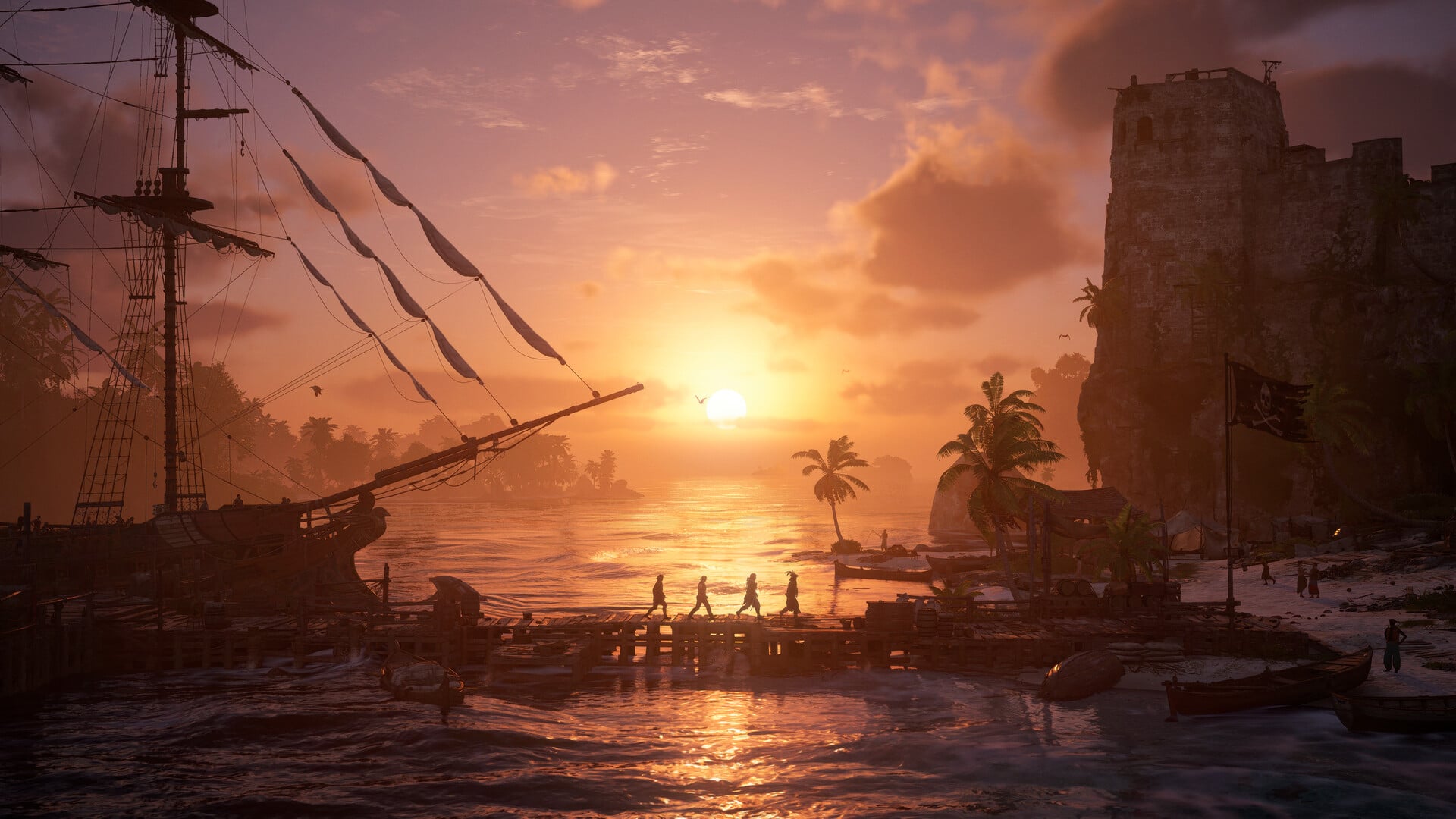
The PS5 Pro is different from the other consoles in two key ways. First, all modes offer extended ray tracing. Second, the console uses PSSR 2 to more effectively upscale the image to 4K.
This means that all available modes on PS5 Pro actually look incredibly good, both in regard to ray tracing and image quality. Our recommendation is the Performance mode, but those with especially large 120Hz TVs may enjoy the Balanced mode. Here, the Fidelity mode is relatively pointless, only offering a negligible boost to image quality.
Best Xbox Series X graphics mode – Black Flag Resynced
The Xbox Series X basically shares visual settings with the base PS5 console, and our recommendations for it are the same.
If you have access to a 120Hz display, the 40fps Balanced mode may be your best bet. Otherwise, we recommend the 60fps Performance mode.
Best Xbox Series S graphics mode – Black Flag Resynced
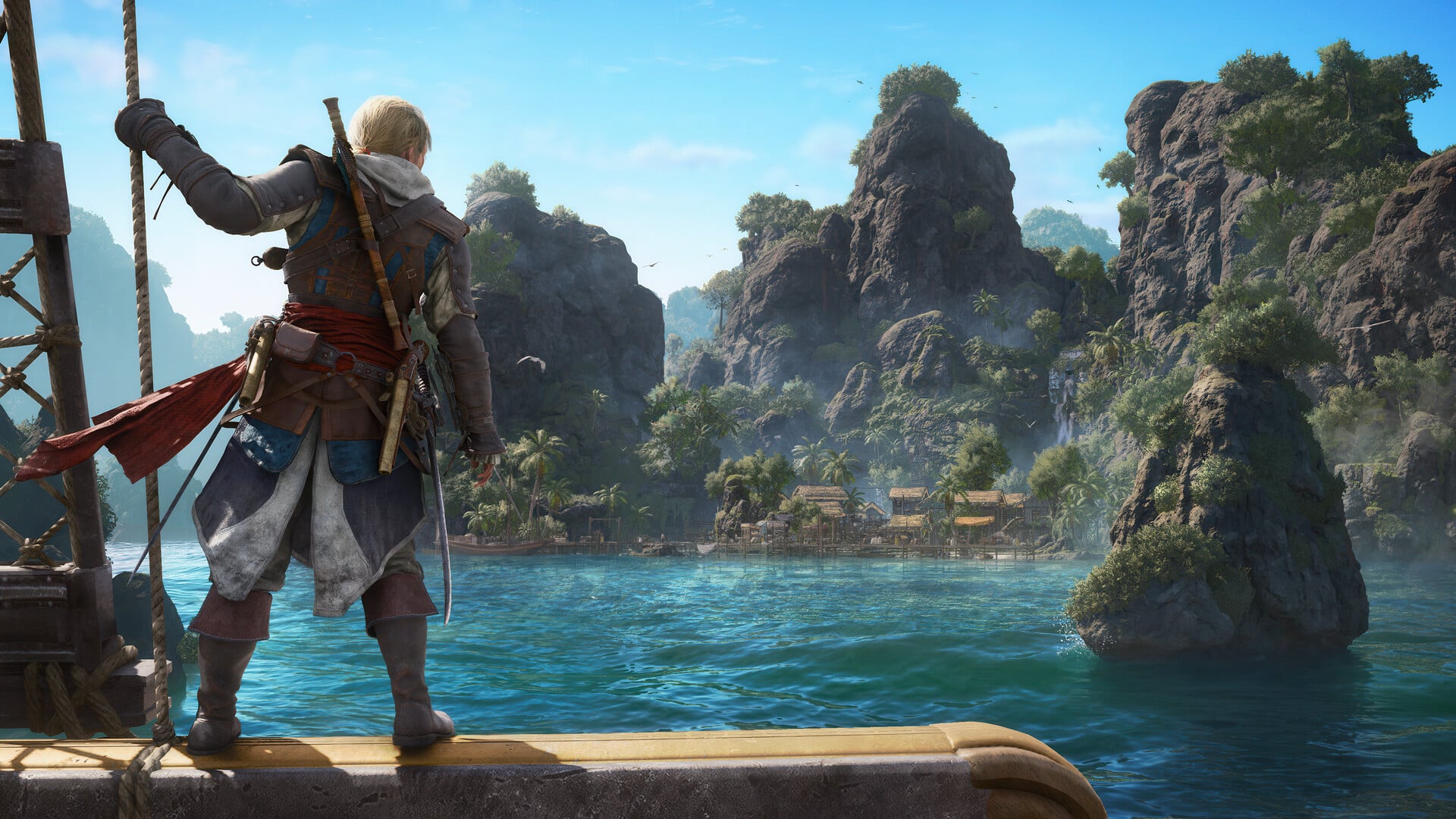
The Xbox Series S is unique in that it doesn’t actually have any selectable graphics modes.
The Series S always runs in a custom Fidelity mode targeting 30fps and upscaling to 1620p. You will always be stuck with the “Standard” range of ray tracing effects. Unfortunately, there are no settings you can tweak to change this.